
Table of Contents:
Pool maintenance does not fall apart because your team forgot how to do the work. It usually breaks down because the details around the work are scattered.
A tech notices something at the equipment pad, but the note stays in a text thread. A customer calls before the route is finished, and the office has to track down an update. Readings get logged in one place, photos are saved somewhere else, and a repair need depends on someone remembering to follow up later.
A lot of pool service software can organize routes or store customer records. That does not mean it actually connects the daily work. The right software should reduce the chase by keeping routes, service stops, readings, notes, photos, follow-up work, and customer history connected, so your team can move through the day with fewer loose ends.
Look for more than a route list
A route list gets the tech to the property, but it does not always give them the context they need to do the job well.
Some software can show where to go next, but the real difference is whether the tech has the right details when they get there. Good pool service software should keep gate codes, service notes, equipment information, customer preferences, previous issues, and reminders tied directly to the stop.
Here’s what that looks like in practice.
A tech opens their assigned route before the first stop and sees the day already organized. Each stop includes the customer details they need, the service instructions are visible, and any important notes are attached to the property. When they arrive, they are not calling the office to ask about a gate code or scrolling through old messages to find a reminder. The context is already there.
That is the difference between software that lists work and software that supports the work.
Make field documentation simple
Pool maintenance creates a lot of small details throughout the day. Water readings, chemical use, photos, notes, equipment concerns, and customer-specific updates all need to be captured clearly.
This is where many systems fall short. They give the office a place to store information, but they do not make documentation easy enough for techs to capture it consistently in the field.
When documentation is difficult, rushed, or separate from the route, it becomes inconsistent. One tech texts a photo to the office. Another writes a note at the end of the day. Someone else remembers the issue but never gets it into the system.
Your software should make field documentation part of the normal service flow.
A tech finishes a stop, enters readings, adds chemicals, attaches a photo, and logs a note while they are still on site. The record stays connected to that customer and that visit, so the office does not have to wait for an end-of-day recap or chase down missing details later.
The goal is not more admin work. The goal is cleaner records without extra steps.
Turn field notes into follow-up work
Small issues turn into bigger problems when the next step is unclear.
A cracked pump lid, rising filter pressure, broken valve, small leak, or worn part might be noticed during routine service, but the business still needs a clean way to move that observation into action.
Basic software may let a tech leave a note. Better software helps your team turn that note into the next step, whether that is a quote, repair, or work order.
Here’s a common example.
A tech sees a leak near the equipment pad and adds a note with a photo during the visit. The office reviews the record, sees exactly what the tech saw, and creates the next step from that information. No one has to rely on memory, no one has to dig through a text thread, and the issue does not sit unnoticed until the customer calls.
Good software helps your team close the loop before small problems become bigger ones.
Keep customer history easy to find
Customer questions are usually simple, but answering them can slow down the day when the information is hard to find.
They may ask whether the pool was serviced, what the readings were, whether the tech noticed anything, or when a repair issue was first documented. If your software only stores pieces of the work, the office still has to call the technician, search through messages, or wait until the route is finished.
The right pool service software should keep service notes, readings, photos, and updates tied to the customer record.
That gives the office faster answers, gives managers better visibility, and lets technicians stay focused on the route instead of fielding calls about work they already completed.
Give the office real-time visibility
The office should not have to wonder what is happening in the field all day.
Some tools help schedule the work, but they still leave managers chasing the status of the work. When routes, service records, notes, and photos are connected, the office can see which stops are complete, what happened at each property, and what needs attention.
That visibility makes the day easier to manage because updates are not trapped in phone calls, texts, or someone’s memory.
This matters even more as the team grows. More trucks, more customers, and more employees create more room for missed details. Software should help the business stay organized without forcing managers to manually check on every moving piece.
Choose software that reduces the daily chase
Pool service software should not create extra steps just to make the business look organized. It should remove the manual work that slows the team down.
For pool maintenance to run smoother, your system needs to connect what needs to be done, who is doing it, what happened on site, and what needs follow-up. It should support the field team, give the office better visibility, and help managers keep the operation moving without chasing updates all day.
That is where PoolProof comes in.
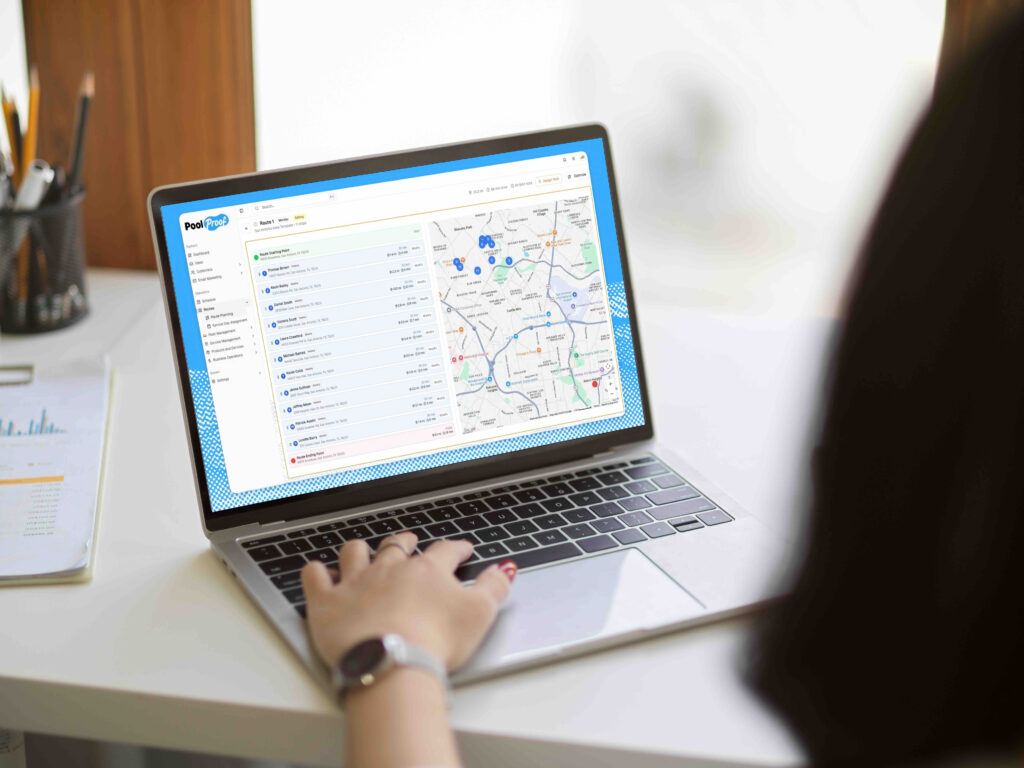
Most pool service software was built around a single workflow and expects your business to fit it. PoolProof is built differently. The workflow builder lets you define how your team operates, your service steps, your processes, your standards, and applies them consistently at every stop without forcing you into someone else’s system.
The field side works the same way. Techs can document stops, log readings, attach photos, and flag issues while still on site, even without a signal. When they identify a problem, it converts directly into a quote in one click. No re-entering information, no office follow-up required to get the job moving.
The office gets real-time visibility across every route, every stop, and every open issue. When a customer calls, the answer is already there.
PoolProof has been shipping new features every single week since launch, built around feedback from pool service operators. If there is something your business needs, that matters here.
Schedule a demo and see how PoolProof fits the way you actually run your operation.