
That gap is why switching feels risky. Not the software. The handoff.
Here is the part most owners find out too late. “We support migration” covers a wide range, from a staffed team that does the work for you to an emailed CSV template that makes it your project, in season, on top of routes, callbacks, and a technician who just quit. Some vendors in this industry genuinely staff migration teams. Others hand you the template and a help article.
Either way, one thing is consistent.
The template carries a customer list: names, addresses, phone numbers. Photos and saved payment authorizations are a different story, and almost nobody talks about them until you are already mid-move.
Then a customer calls in October asking what you did at their pool last August, and nobody can open the photo.
This guide covers exactly what to export, what usually gets left behind, how to sequence a cutover without downtime, and the seven questions that tell you which kind of migration you are actually buying.
Table of Contents:
- What “Migration Support” Usually Means
- What You Actually Need to Export
- The Data That Usually Does Not Survive the Move
- Step-by-Step: How to Switch Pool Software
- Seven Questions to Ask a Vendor Before You Sign
- What a Done-for-You Migration Looks Like
- Tips From Operators Who Have Done It
- Next Steps: Choose Your Vendor for Pool Software
- FAQs
What “Migration Support” Usually Means
There are three very different things sold under the same word.
Self-service import
You get a template. You export from your old system, reshape the columns to match, upload it, and fix what breaks. The vendor supports the tool, not the work.
Assisted import
Someone on the vendor’s team is available while you do it. Better. Still your project, your hours, your weekend.
Done-for-you migration
The vendor pulls the data, maps it, loads it, and hands you a working account. You review it instead of building it.
Several platforms in this industry staff real migration teams, and credit where it is due, because that is a meaningfully different experience from a template and a help article. So ask which of the three you are buying, then ask the follow-up that actually separates them: when does the work happen relative to when I commit?
A migration that begins after you have signed and paid is a very different risk profile than one that is finished before you decide.
Key takeaway: Exporting data and migrating a business are not the same job. A spreadsheet of readings is not a service record.
What You Actually Need to Export
Pull all of this before you give notice on your current platform. Once the account closes, your window closes with it.
Customers and properties
- Customer names, service addresses, billing addresses, phone numbers, emails
- Secondary contacts: spouses, property managers, tenants
- Multiple service locations per customer, and multiple bodies of water per location
- Access information: gate codes, lock box codes, where the gate is, which dog bites
Service setup
- Service plan, frequency, and price per customer. Not your list price, the actual price each customer pays
- Billing terms, autopay status, tax exemptions
- Route assignment and service day for every stop
- Custom checklists, SOPs, and task lists your technicians follow
Service history
- Visit dates, technician, and tasks completed
- Chemical readings per visit: free chlorine, pH, alkalinity, calcium hardness, CYA, salt, temperature
- Chemicals and products used, with quantities
- Technician notes and skipped-stop reasons
- Photos and attachments
Equipment
- Pump, filter, heater, salt cell, automation system
- Sanitation type and method, filter type, serial numbers, install dates, warranty dates
Money and open work
- Open invoices, full paid history, and receivables aging
- Credits, deposits, and prepayments
- Open work orders and repairs in progress
- Quotes sent but not yet approved
- Signed service agreements
- User accounts, roles, and permissions
Print that list and hand it to whichever vendor you are evaluating. Ask them to mark which lines they will move for you. The marks tell you more than the demo did.
The Data That Usually Does Not Survive the Move
Four categories get lost quietly. The first three surface months later, usually at the worst possible moment.
Photos and attachments
They do not live in a CSV. A spreadsheet export gives you a filename or a URL that stops resolving the day your old account closes. If you have been documenting equipment condition to protect yourself in disputes, that library is your liability defense, and it is the most commonly abandoned asset in a pool software migration.
Reading history as structured records
Most platforms export service history to Excel, which is real and useful. But a flat spreadsheet of dates and numbers is not the same as a reading tied to a visit, tied to a body of water, tied to the equipment on that pad. Getting the file is easy. Getting it to land as a usable service record on the other side is the actual work.
Saved payment methods and autopay authorizations
Read this one twice. Your customers’ cards are not stored in your software, they are vaulted with the payment processor. Switching software often means switching processors, and card tokens do not automatically follow.
Sometimes a compliant vault-to-vault transfer is available. If not, you are re-collecting payment details from every autopay customer, which is the closest thing to a self-inflicted wound in this whole process. Ask about this before anything else.
Anything living in someone’s head or phone
The “do not service Thursdays” agreement. The verbal approval on a repair. This one you feel immediately rather than months later, and migration is a good moment to write those things down for the first time.
Step-by-Step: How to Switch Pool Software
Switching your pool software can come with a ton of downtime. In this business, downtime doesn’t look like a server outage. It looks like a missed stop, a double-billed customer, or a technician standing at a gate without a code. Sequence prevents all three.
- Pick your seam.
Cut at the end of a billing cycle and the end of a service week. Shoulder season if you can. Never at opening. - Export everything above, and verify the files open.
Before you give notice, not after. - Audit the export.
This is where you find duplicate accounts, stale addresses, and the customer still paying 2019 pricing. Fix it in the spreadsheet, while it is easy. - Load and review, do not load and hope.
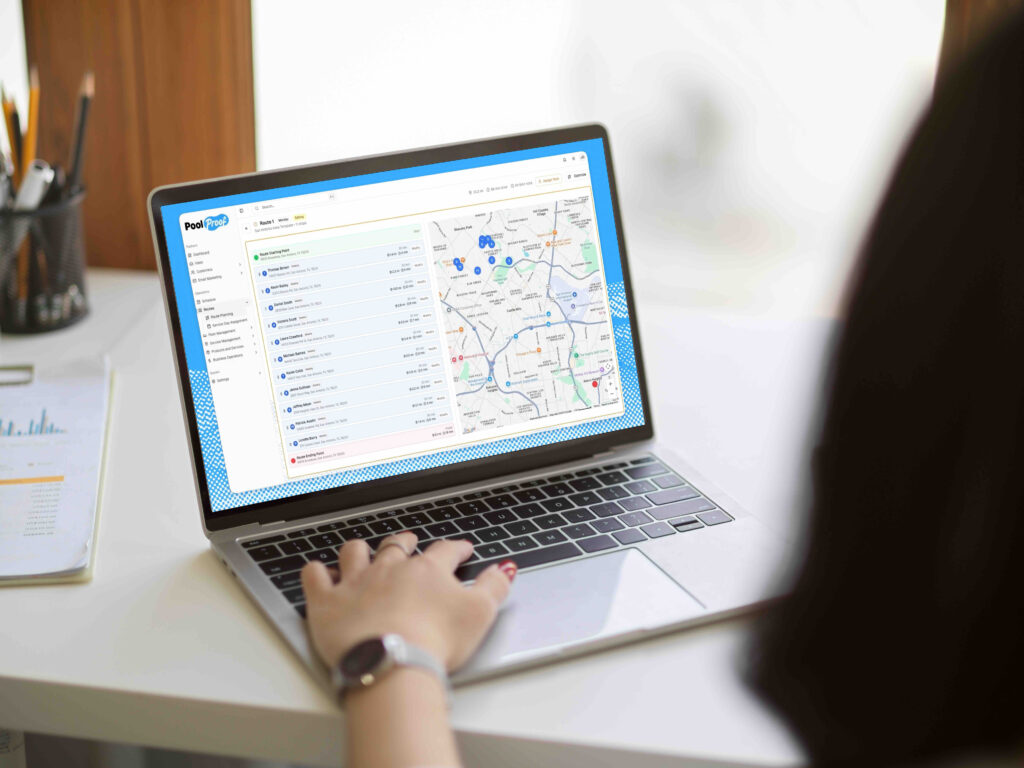
Spot-check 20 customers across your different service plans and confirm price, frequency, service day, equipment, and access codes all landed. - Rebuild routes instead of porting them.
Your current routes carry years of accumulated exceptions. A clean optimization pass at migration usually finds drive time you would otherwise keep paying for. - Train technicians before go-live, not on go-live morning.
Fifteen minutes each, in the yard, the week before. Technician adoption is the top failure point in every migration in this industry. - Run one service week in parallel.
Technicians on the new system, office reconciling against the old. One week is enough. Three months means you never actually switched. - Handle payment methods deliberately.
Complete the processor transfer or run a re-authorization campaign before the first billing run, never during it. - Cut billing last.
After one clean service cycle. - Keep read-only access to the old system for 12 months.
For disputes, warranty questions, and the chemical history you did not think you would need.
Seven Questions to Ask a Vendor Before You Sign
Ask all seven. Get the answers in writing.
- Who does the migration work, your team or mine?
If the answer involves a template, that is your answer. - Which fields come across?
Hand them the checklist above and ask for line-by-line marks. - Do photos and attachments come across, or just the data?
- What happens to saved payment methods and autopay authorizations?
Ask specifically whether a processor vault transfer is possible or whether customers get re-asked. - Do I see my own data loaded in a real account before I commit?
Reviewing a populated account is a completely different decision than trusting a promise. - What is my go-live date, in writing?
- When I eventually leave you, what do I get, in what format, how fast, and at what cost?
A vendor who answers this one cleanly is telling you they intend to keep you by being good, not by being hard to leave.
What a Done-for-You Migration Looks Like
Here is how we handle it at PoolProof, since this is the objection we hear most.
The whole migration happens before you have signed anything or paid us a dollar. That is the part worth underlining, because it inverts the usual order. Normally you commit first and find out second whether your data survived.
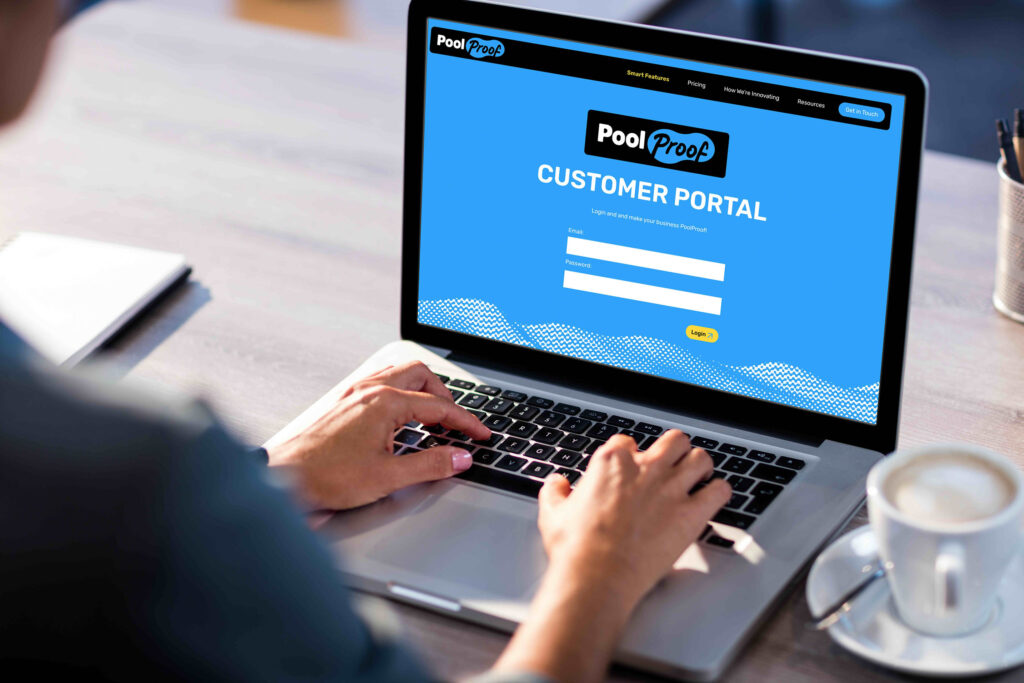
We pull your data out of your current system, load it into PoolProof, and hand you an account that is already yours the first time you log in, including customers, service history, routes, and billing data. Nothing for you to prep, no template to fill out, and nobody on your staff losing a week to it.
Then you log in, look at your own business inside it, and decide with real information instead of a promise. If it is not for you, we absorb the work and you are out of nothing.
You get a dedicated person throughout, including configuration and team training, and most operators live in 30 days or less.
Tips From Operators Who Have Done It
Do not clean your data in the new system. Clean it in the spreadsheet.
Bulk-editing 400 records in a CSV takes an afternoon. One customer at a time in a web interface takes a week.
Tell your customers something.
If the portal address or sender email changes, one proactive note prevents a week of “is this a scam?” calls.
Let your best technician break it first.
Give one experienced technician the new app a week early and ask them to find what is confusing. They will surface in two days what you would otherwise learn from the whole crew on go-live morning.
Keep a quarterly export forever.
Whatever platform you land on. It makes your next decision a choice instead of a trap.
Next Steps: Choose Your Vendor for Pool Software
The decision to switch pool service software is rarely about features. It is about whether the handoff is going to cost you a season, and whether four years of readings, notes, and photos survive the move.
So make the vendor answer for it. Hand them the export checklist, ask the seven questions, and pay close attention to two answers in particular: who does the work, and whether it happens before or after you commit.
If it is your job, you already know how that goes. It is July, the template is in your inbox, and it is still sitting there in September.
We would rather just do it, and do it first. See your own customers, routes, and service history loaded into PoolProof before you sign anything.
FAQs
Can I switch pool service software mid-season?
You can, but avoid it if you have the choice. Migrate in the shoulder season, cut at the end of a billing cycle and a service week, and run one week in parallel. If you must move in season, at minimum finish your exports and complete the payment-method handling before your next billing run.
Will I lose my service history when I switch pool service software?
Not necessarily. Most platforms let you export customers and service history to a spreadsheet, and some vendors will do the import work for you. What almost never comes across automatically is your photo library and your saved payment authorizations, so ask about those two specifically.
Do my customers’ saved credit cards transfer to the new software?
Often not automatically. Cards are vaulted with the payment processor rather than the software, so a change of processor can mean re-collecting authorizations. Ask whether a compliant vault-to-vault transfer is available before you commit to anything.
How long does a pool software migration take?
A week to 30 days, depending almost entirely on who does the work. A done-for-you migration is mostly waiting and reviewing. A self-service import is one to three weeks of your own hours, and it competes with running the business.
What should I look for in a Skimmer alternative or a Pool Brain alternative?
Start with the pricing model, since per-pool and per-technician platforms get more expensive as you grow while flat-priced platforms get cheaper per pool. Then ask the seven migration questions above, especially the one about whether you see a loaded account before committing. Both are capable products, so the real decision usually comes down to how your software cost and your office workload scale over the next two years.
What is the biggest mistake operators make when switching?
Cancelling the old system before verifying the new one. Keep read-only access for twelve months, and never let your only copy of four years of service history live in an account you have already closed.