
PoolProof was designed around the way pool service actually works: a technician servicing pools all day, an owner running the business from the truck, and customers who want to know their pool is taken care of. Field logging takes seconds, proof of service goes out automatically, and the schedule flexes with your week instead of fighting it.
This guide walks through what great route software does for a pool service business, the features that matter most in the field, and how to test a platform, PoolProof included, so you know it fits before you commit.
Table of Contents:
Start With How Your Business Actually Runs
That is worth naming up front, because a lot of route software is designed for large operations with dispatchers and back-office staff. Those companies exist, but they are not the model most pool pros are running, and software built for them tends to bury an owner-operator in setup and features you will never touch.
When you evaluate platforms, look for one designed around your reality: a technician servicing 80 to 100 pools a week, an owner wearing every hat, and a business that lives on a phone. PoolProof was built for exactly this operator, which is why everything in it runs from the field first.
Look for a Platform Built Around Servicing Pools
- Fast field logging. Techs should be able to record chemical readings, dosing, photos, and notes in about 30 seconds, one-handed, standing at the pool. When logging is that quick, techs actually do it, and your service records build themselves stop by stop.
- Recurring schedules that flex. Weekly cleans, biweekly winter schedules, filter cleans every few months, seasonal openings and closings. Great software handles “every Tuesday, except when it doesn’t” gracefully, and makes moving a stop a couple of taps instead of a project. With PoolProof, a rain day reschedule takes moments from the truck, and affected customers are notified automatically.
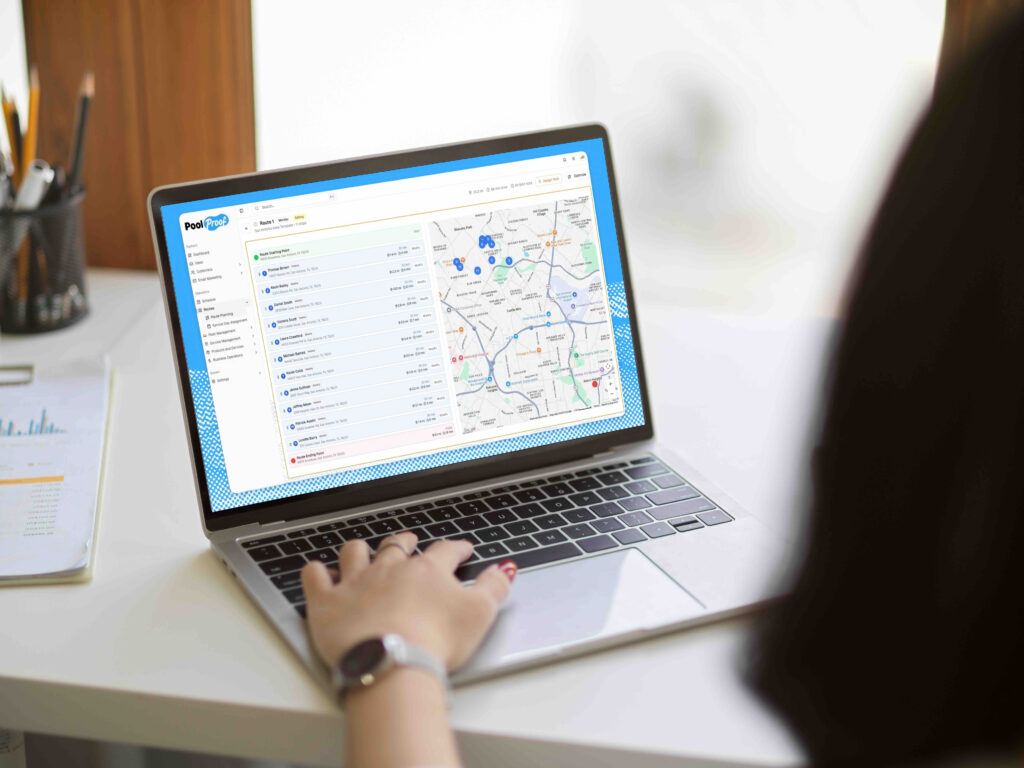
- Smart route density. Tight geographic clusters are what make routes profitable. The best platforms show you route density at a glance, so when a new customer calls from 20 minutes off-route, you can make that call with real numbers instead of a gut feeling.
- Complete service history. Every reading, photo, and note is attached to the customer and searchable in seconds. This is your quality record, your protection if a dispute ever comes up, and a genuine asset. Routes with clean, complete service records sell for more if you ever decide to sell, because buyers pay for documentation.
Choose a Mobile Experience Your Techs Will Actually Use
This is where PoolProof stands out. The app was designed for the poolside, not the desk. Readings, photos, and notes flow in a natural order, everything syncs the moment the signal returns, and closing out a stop takes seconds. When the field side is this easy, adoption takes care of itself.
Pick Software That Keeps Your Customers Confident
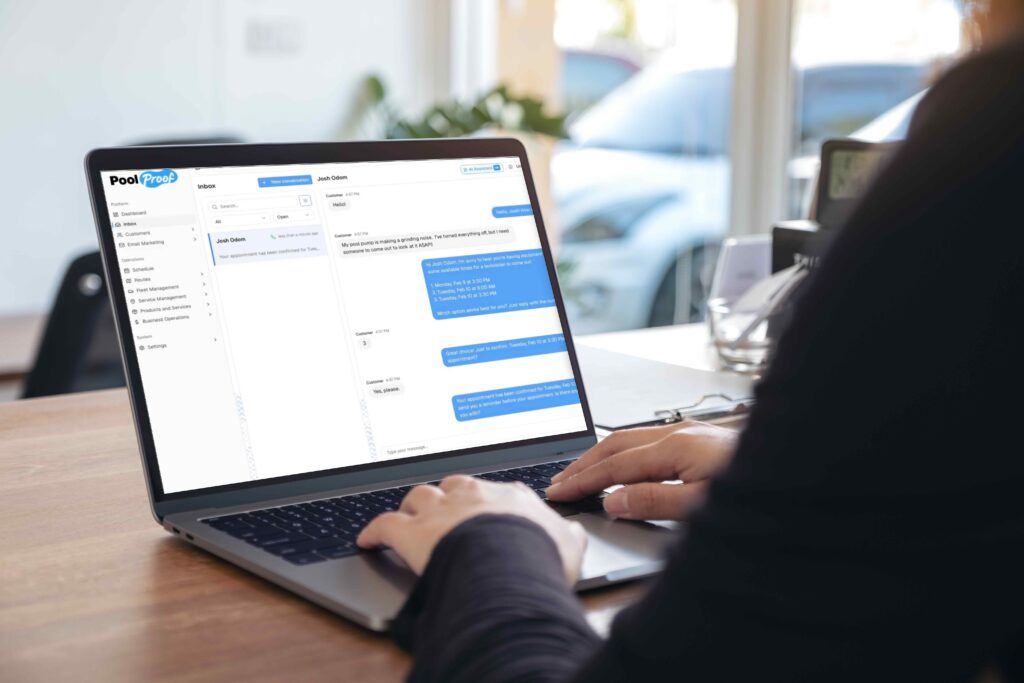
Think about the timestamped photo of a clean pool that arrives right after the tech closes out the stop. That one touch answers the “did anyone come today?” question before it is ever asked, and week after week it builds the kind of trust that turns customers into referrals. Automatic service summaries and schedule notifications do the same thing: the customer always knows what happened and when, without you making an extra call.
PoolProof builds proof of service right into the workflow. The tech closes the stop, the customer gets the photo and summary, and the record keeps a copy. Happy customers, clean records, zero extra effort.
Make Sure It Can Grow With You
A great platform makes adding your next 50 pools feel simple. Every new customer should mean exactly one new thing: a stop on a route. The records, invoicing, scheduling, and customer notifications should all come along automatically.
This is the quality that separates good software from great software, because it changes what growth costs you. When the admin per customer stays near zero, you can take on new accounts, add a technician, or expand into a new neighborhood without your evenings paying the price. Ask any platform you evaluate how adding a third or fourth tech works, get the pricing in writing, and picture the system at the size you want to be in two years.
We built PoolProof to scale this way from day one. One new customer, one new stop, and the system handles the rest, whether you are running one truck or five.
Put It to the Test Before You Buy
Demos are helpful, but a hands-on trial tells you the truth. Here is a simple process that takes about two weeks:
- Shortlist two or three platforms. More than that and the comparison gets muddy.
- Run live demos with a tech on the call. Their read on the mobile app matters as much as yours. Great questions to ask: How fast can I build and edit a route? How do reschedules work from a phone? What does onboarding look like? Can I export my data anytime?
- Log a real stop yourself. Readings, a photo, a note. Time it. Around 30 seconds is the mark of software built for the field.
- Trial one real route for two weeks. A live route with real customers shows you how the platform feels at 6:45am, which is the only review that counts.
- Score what you saw. Routing, mobile workflow, service records, pricing at your two-year size, and support response time. The platform that fits your business best will be obvious.
Bring your busiest route to PoolProof’s demo and see how it holds up.
Why Pool Pros Choose PoolProof
PoolProof was built for the pool professional running the business from the truck, and every feature reflects it. Field logging in about 30 seconds. Automatic proof of service with every stop. Reschedules in a couple of taps, with customers notified for you. Service records that build themselves. Routes that stay tight as you grow.
The result is a business that runs smoother at every size. Your techs move faster through the day, your customers see the value of every visit, and your evenings stop belonging to paperwork. That is what the right software should do, and it is exactly what PoolProof was designed for.
Ready to see it with your own route? Schedule a demo and bring us your busiest day. PoolProof does its best work on those!
FAQs
What is pool route software?
Pool route software helps pool service businesses plan technician routes, log service details like chemical readings and photos, manage recurring schedules, and keep customer records current, all from a phone in the field.
What features matter most in pool route software?
Pool route software helps pool service businesses plan technician routes, log service details like chemical readings and photos, manage recurring schedules, and keep customer records current, all from a phone in the field.
How many pools can one technician service per day?
Most residential pool techs service 15 to 20 pools per day on a well-optimized route, or 80 to 100 pools per week. Route density is the biggest factor: tight geographic clusters make the whole day more profitable.
How do I test pool route software before buying?
Shortlist two or three platforms, run demos with a technician on the call, log a real stop on your own phone, then trial one real route for two weeks. The hands-on trial tells you more than any feature list.