
Table of Contents:
If you run a pool service business, you know that team management goes far beyond scheduling routes and assigning work orders. Every new hire needs to get into the system. Every departed employee needs to be locked out. Every technician, office manager, and salesperson needs access to the right information and only the right information.
Today we’re launching two features that fundamentally change how you manage your team in PoolProof:
Google & Microsoft Logins and Custom Roles with Capabilities-Based Access Control.
Together, they let you scale your operation with confidence whether you’re running three trucks or thirty.
Logging Into PoolProof Just Got Easier
Let’s be honest about how passwords work in most pool service companies. Your office manager sets up a new technician’s account, creates a password, and writes it on a piece of paper. The technician loses that paper within a week. They call the office. Someone resets the password. Repeat. Or worse the whole team shares one login because nobody wants to deal with creating individual accounts.
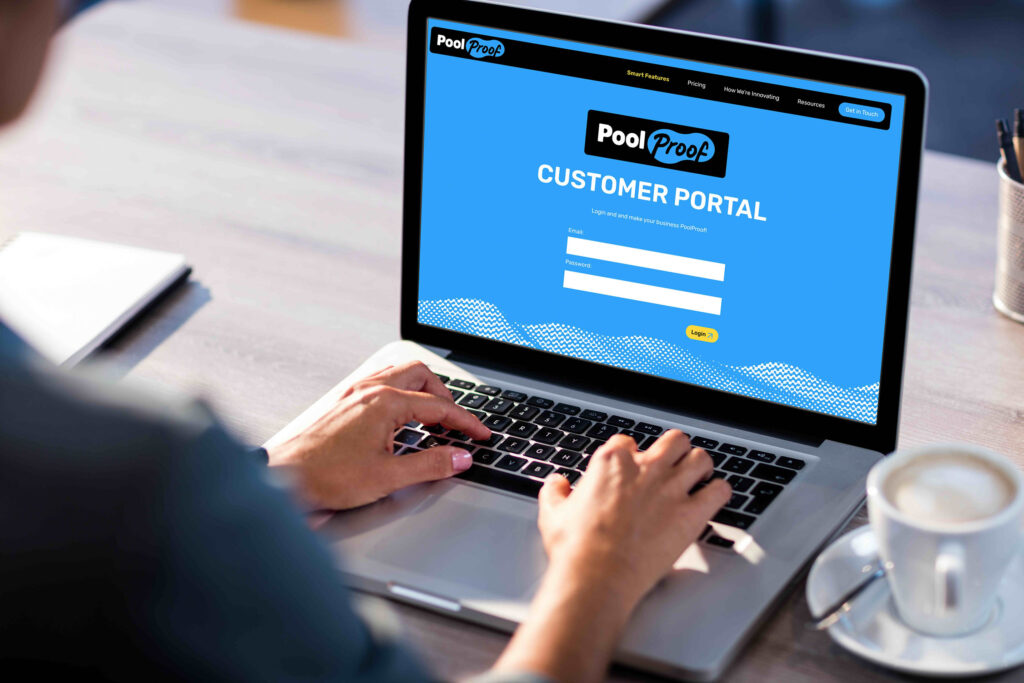
With Google & Microsoft Logins, your team signs in to PoolProof using the account they already use every day. No new password to create. No credentials to remember. One tap and they’re in.
Onboarding takes seconds, not a phone call. You invite a new tech to PoolProof, they tap “Sign in with Google,” and they’re up and running probably from the parking lot before their first day even started.
No more “I forgot my password” calls. Every pool service owner we talk to has the same story: a technician sitting in a customer’s driveway, can’t log in, calls the office for help. That’s everyone’s time wasted and your customer watching someone fumble with their phone instead of cleaning their pool. If your tech can get into their Gmail, they can get into PoolProof.
Enterprise-grade security without the effort. Google and Microsoft handle two-factor authentication, suspicious login detection, and device management all without you configuring anything.
When someone leaves, they’re locked out automatically. If your team uses Google Workspace or Microsoft 365 and you’ve enabled “Require Social Login,” deactivating their corporate account immediately locks them out of PoolProof too. No separate step. No hoping someone remembered to revoke access.
For businesses that want full control, you can require your entire organization to use Google or Microsoft Logins via Settings > Security. Email/password login gets disabled company-wide giving you a single, auditable authentication method across every employee.
Custom Roles & Capabilities: Give Every Team Member Exactly the Access They Need
Here’s a scenario that plays out at pool service companies every day: your sales rep accidentally changes a route assignment while putting together a quote. A technician opens the billing tab and sees pricing you’d rather keep private. A new hire in training has the same access as your most experienced regional manager.
The problem isn’t your team, it’s that most software gives everyone the same access and hopes for the best. PoolProof’s new access control system changes that. Every action viewing customers, creating quotes, executing routes, managing billing is governed by a specific capability. Roles are collections of these capabilities, and every team member gets a role that determines exactly what they can see and do.
Five Built-In Roles That Match How Pool Companies Work
| Role | What They Can Do |
| Owner | Full, unrestricted access to everything. Can never be modified or deleted. |
| Administrator | Access to virtually everything except can never modify or change the privileges of the owner. |
| Regional Manager | Oversee customers, routes, quotes, and work orders. Manage teams and approve quotes without access to company-wide billing or system configuration. |
| Sales | Create and manage customers, build quotes, send proposals. Can’t modify routes, execute service, or change billing. |
| Service Technician | View assigned routes, execute service stops, log readings and notes. |
Build Custom Roles for Your Unique Operation
No two pool service businesses are exactly alike. That’s why we built a role editor that lets you create custom roles from scratch using over 60 individual capabilities spanning every part of PoolProof customers, quotes, work orders, routes, billing, products, settings, and more.
These are the types of roles you could create, all fully customizable to your operations:
Dispatcher – Can view and edit routes, assign technicians to stops, and schedule work orders. Can’t execute service, access billing, or modify customer records beyond scheduling needs. Perfect for the person in the office managing the daily schedule without needing access to sensitive business data.
Office Manager – Full access to customer management, billing, invoicing, and communications but no access to route execution or field operations. Built for the person who answers the phone, processes payments, and keeps the back office running.
Junior Technician / Trainee – A limited Service Technician role for new hires. They can view assigned routes and log service visits, but can’t modify customer info or view pricing. As they gain experience, upgrade them to a full role or something in between.
Account Manager – View and edit customer information, create quotes, and view service history but can’t manage routes or access company-wide settings. Great for larger operations with dedicated relationship managers.
Crew Lead – Execute routes and log service like a technician, plus view team assignments, add work order notes, and flag issues. More visibility than a standard tech without management-level access.
Smart Safeguards That Protect Your Business
Automatic dependencies. Give someone quote editing access and quote viewing is automatically included. The system ensures every role makes sense without you having to think about prerequisites.
Enforced everywhere. Access controls work across the web app, mobile app, and API. If a technician doesn’t have billing access, they can’t see billing data. Not by navigating to a URL, not through the mobile app, not by any means.
Adaptive navigation. Team members only see menu items and pages they have access to. A technician’s sidebar looks completely different from an administrator’s, reducing clutter and keeping everyone focused on what’s relevant to their job.
What This Means for Your Business
These features solve a problem every growing pool service company faces: how do you scale your team without losing control?
When you were a one-person operation, you didn’t need access controls. But as you added your first employee, then your fifth, then your fifteenth, “who should have access to what?” got more complicated with every hire. Google & Microsoft Logins handle identity: getting people in and out of the system securely. Custom Roles handle authorization: making sure each person can do their job without stepping on anyone else’s toes or accessing data they shouldn’t see.
Together, they give you the kind of team management infrastructure that enterprise software charges tens of thousands for, built right into the PoolProof platform you already use every day.
Getting Started
Both features are available now for all PoolProof accounts.
To enable Google & Microsoft Logins: Your team can start using them immediately, look for the Google and Microsoft buttons on the login screen. To require them company-wide, go to Settings > Security and toggle on “Require Social Login.”
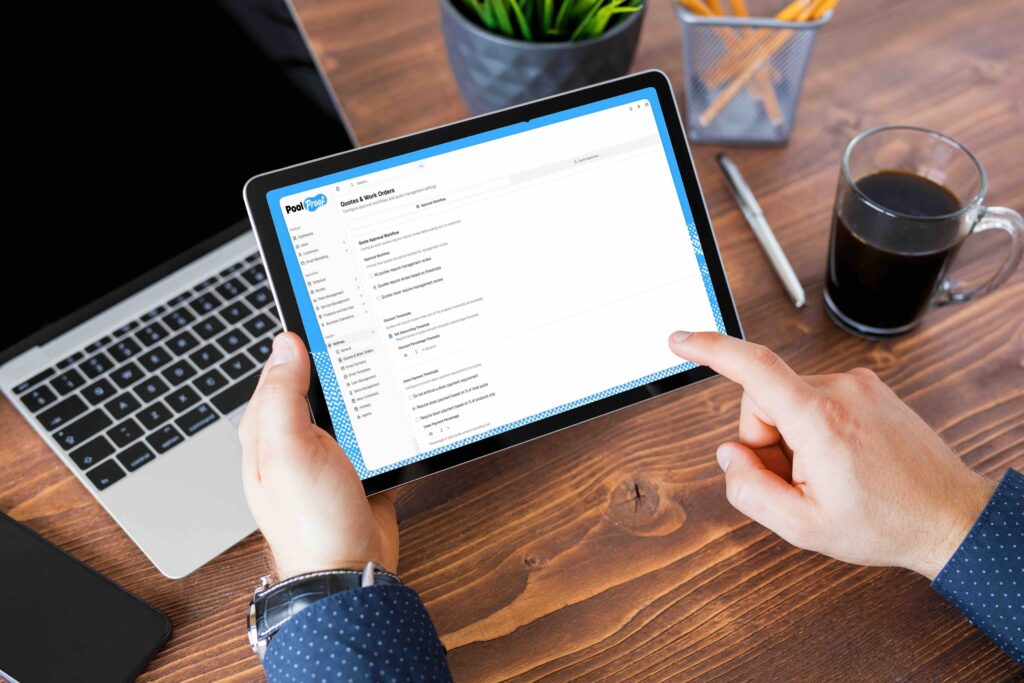
To manage roles: Go to Settings > Roles to see built-in roles, view their capabilities, and create custom roles tailored to your team. Assigning a role is as simple as editing a team member’s profile.Have questions about setting up roles? Reach out to our support team and we’ll walk you through it.